In action on this page
Pre-loaded multipass
Click to load.
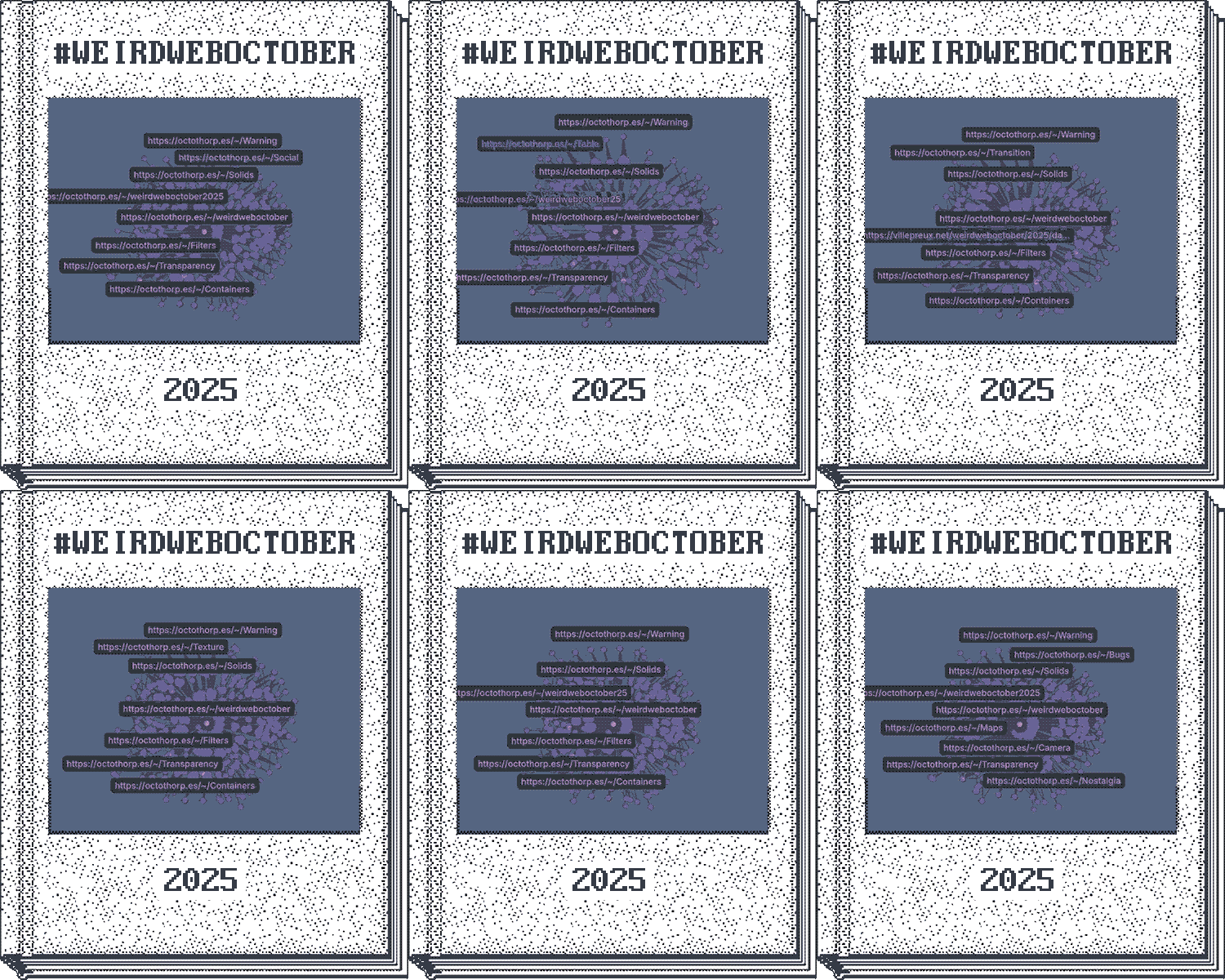
Multipass stored in a gif
Plain multipass loader
This one has a separate target defined on the page for the results, like the Pico8 cartridge loader.
Raw HTML
<h2 id="pre-loaded-multipass">Pre-loaded multipass</h2>

Click to load.

<octo-multipass-loader gif="assets/wwo2025MP.gif" render="list"></octo-multipass-loader>

<h2 id="multipass-stored-in-a-gif">Multipass stored in a gif</h2>

<img src="assets/wwo2025MP.gif" alt="A pixelated book with a knowledge graph animation on it. This image embeds a query string known as a MultiPass." />

<h2 id="plain-multipass-loader">Plain multipass loader</h2>

This one has a separate target defined on the page for the results, like the <a href="https://www.lexaloffle.com/pico-8.php">Pico8 cartridge loader</a>.

<octo-multipass-loader target="#results"></octo-multipass-loader>

<div id="results" style="border: 4px dotted yellow; min-height: 80px; margin: 20px;"></div>
<script type="module" src="https://octothorp.es/components/octo-multipass-loader.js"></script>

<!-- custom styling -->

<style>
  octo-multipass-loader {
    /* Override colors */
    --octo-primary: #ff6b6b;
    --octo-primary-hover: #ff5252;
    --octo-background: #fafafa;
    --octo-text: #2c3e50;

    /* Override typography */
    --octo-font: 'Georgia', serif;
    --octo-font-size-base: 1.125rem;

    /* Override spacing */
    --octo-spacing: 1.5rem;
    --octo-radius: 8px;

    /* Custom shadows */
    --octo-shadow-small: 0 4px 12px rgba(0, 0, 0, 0.08);
  }
</style>
You can embed a MultiPass reader or a pre-loaded MultiPass as an image on your page. This lets you store custom searches, like your own algorithm, and share them with others. This page shows the pre-loaded example, and a multipass stored in an image, and a multipass reader component that will display results when the multipass is dropped into it.